Getting started
How to create an AI influencer
The whole path from one sentence to a character who posts every week: the persona, a face that stays the same, a voice, scripts, videos and what it costs.
Guide · By the AI Cast Studio team · Updated Nov 18, 2026
Write one sentence. Get a character with a name, a face and a voice that stay the same in every video, who says they're AI. You give them ideas; they film; you approve every video before it goes anywhere.
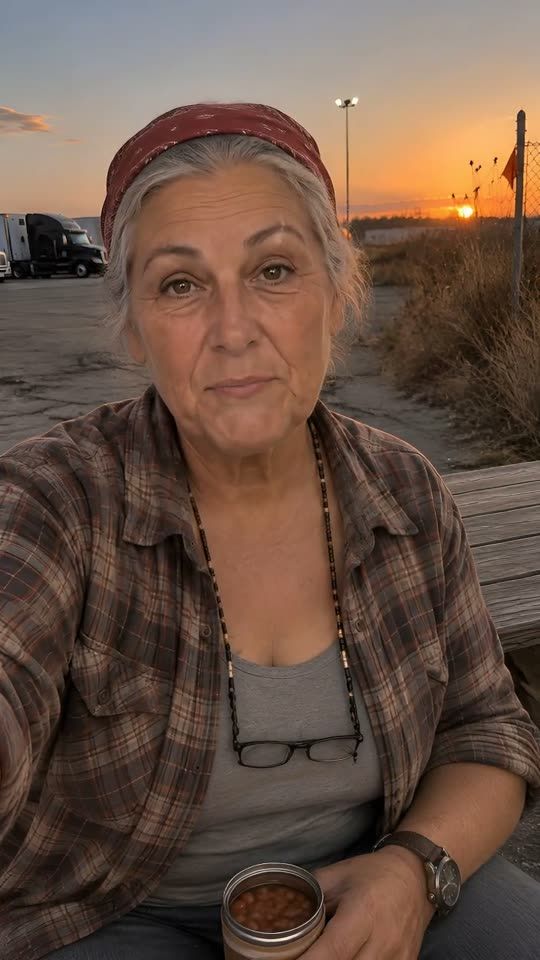

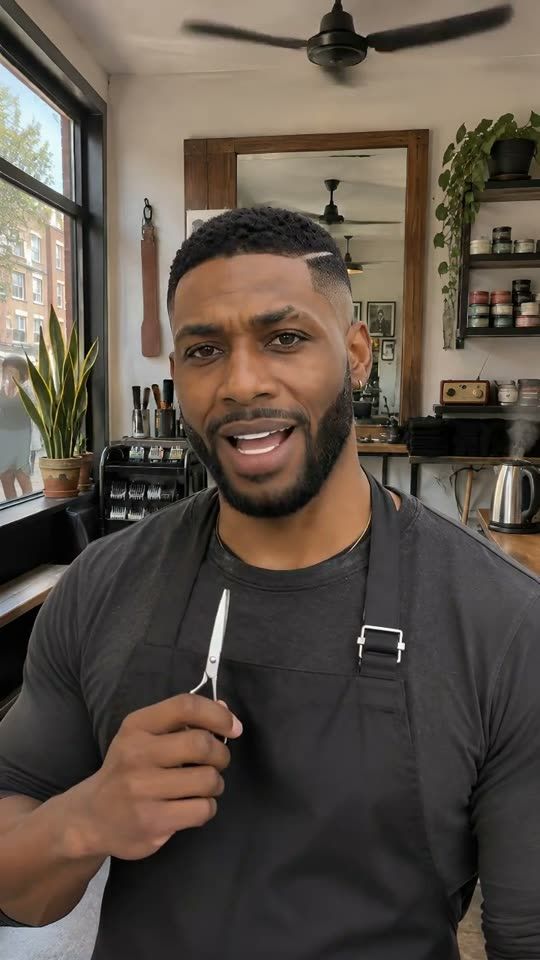
Most AI influencer generators stop at a picture. A picture is not a creator. A creator is the same person in every video, with a voice you know and something to say. AI Cast Studio makes all three from one sentence, then films with them.
Say who they are, who they talk to and what they help with. "A retired trucker who cooks real meals on a tiny budget in a motel room" is enough. You can type it here with no account.
Sign in with your email and their story and a first portrait are free to see. Creating them fully takes a plan and 46 credits: their story, their face, the character sheets that keep that face the same, and three voices reading one of their lines. You pick the voice.
Type an idea or paste your own words. The studio writes the script in their voice and plans the shots as a storyboard, a frame for each shot. Change what you want, then it films, with captions. Nothing posts until you approve it.
That is the whole loop. A first video takes a few minutes of filming once the character exists. The next one starts from a new idea, with the same face and the same voice. For the long version, with real characters and every choice explained, read how to create an AI influencer.
Type who they are with no account. Sign in and their story and a first portrait are free to see; a plan makes the rest.
A nice first portrait proves very little. Ask what happens in the tenth video. These are the five things that decide whether a generated character can run an account.
One good portrait is easy. The same face in video forty is the hard part, and it is how people know the account in a fast scroll. When you create a character, the studio draws character sheets of their face and look, and films every video from those sheets.
You hear three voices read one of their lines and pick one. That voice reads every script after, so the character sounds the same on Monday and in March.
A generator that only makes faces leaves you the hardest job: what they say. The studio writes each script in the character's voice from your idea, with the hook in the first line, and you edit it before anything films.
The bio the studio writes for every character says it is AI, and a name like Dottie (AI) carries the tag. Platforms ask for AI labels, and an account that says it first has nothing to explain when someone asks.
Nothing films without a script you have seen, and nothing posts until you approve the video. Then you post it from the studio, now or on a schedule, or download it.
You can build a character by hand. It takes about six tools:
Each has its own prompts and settings, and the face drifts a little at every handoff. A generator does the same steps in one place, from one sentence, and keeps the face and voice fixed between them. You trade control over every setting for time back. Most people starting an account want the time.
You pay for two things: creating a character (46 credits, one price) and making video (its storyboard and filming, and music if you add it). Writing scripts and downloads are free; each character includes 3 free changes, then 12 credits a change.
Cancel anytime. See all plans
The first look is. Type a sentence with no account, sign in with your email, and their story and a first portrait are free to see, with no card. Creating the character fully takes a plan and 46 credits, and filming uses more.
Yes, always. The bio the studio writes for every character says it is AI, and we ask you to turn on the platform’s AI label when you post. That is the point, not a disclaimer.
Not without you. Nothing posts until you approve the video. Then you post it from the studio, now or on a schedule, or download it and post it yourself.
10 to 30 seconds, vertical, with word-by-word captions or a clean copy.
No. Characters are fictional, and our rules forbid using anyone's face or voice without their permission.
You do. The characters and videos you make are yours to use commercially, under our use rules. AI output isn't guaranteed to be unique or protected by copyright.
Yes. The AI Cast Studio plugin lets Claude create the character and film for you, and it says the price before spending anything.
Getting started
The whole path from one sentence to a character who posts every week: the persona, a face that stays the same, a voice, scripts, videos and what it costs.
Research
Twenty accounts you can film without showing your face, each with a first video title, and how to pick one you can keep making.
Research
Find the videos that already win in your niche, work out why, and turn their hooks and lengths into your own, by hand or with AI agents.